A client once told me she had "a whole workout plan" saved on her phone. When I asked to see it, she opened Instagram Saved, then her TikTok favorites, then a folder in Photos of screenshotted captions, then a note titled "workouts??" with four half-finished exercise names. That's not a plan. That's four separate junk drawers, and it's a more common situation than most people admit.
The fix isn't willpower — it's building an actual organizational system that turns scattered clips into something you open once and follow, start to finish, without hunting.
Why Scattered Clips Never Become a Real Routine
Every platform is optimized to keep you inside it, not to hand your data to a competitor. Instagram wants you saving inside Instagram. TikTok wants the same. The result is that your "workout library" is split across apps that don't talk to each other, with no shared format, no tagging system, and no way to mark something as "done, worked great" versus "never actually tried."
Without a single source of truth, you default to whichever app you happen to open that day — which explains why so many people's actual training ends up being whatever's easiest to find in the moment, not what's actually best for their goals.
The Three-Layer Organization System
A workout video organizer that actually works needs three layers, whether you build it with an app or a spreadsheet:
- Layer 1 — Capture: One single place every saved video ends up, no exceptions. Multiple inboxes guarantee some videos get lost forever.
- Layer 2 — Structure: Each video gets converted into exercises, sets, reps, and a muscle-group tag, so it's searchable later ("show me everything that's a leg day").
- Layer 3 — Status: A simple marker for whether you've tried it, how it went, and whether it's active in your current rotation or retired.
Most people only ever build Layer 1 (saving) and never get to Layers 2 and 3 — which is exactly why saved folders balloon into the hundreds while actual training stays repetitive.
How to Build This Manually (If You're Not Using an App)
- Pick one destination — a single note, spreadsheet, or app — and commit to it for every future save.
- Once a week, go through anything new and manually write out the exercises, sets, and reps you can identify from the video.
- Tag each entry by muscle group or day type (push, pull, legs, full body, mobility).
- Add a status column: "not tried," "active," or "retired."
- Before each workout, filter by day type and status = active, not by scrolling everything.
This works, but the transcription step in #2 is the part that burns people out — manually rewatching a 30-second clip five times to catch every rep count is tedious enough that most people do it for a week and quit.
Stop losing workouts in your camera roll.
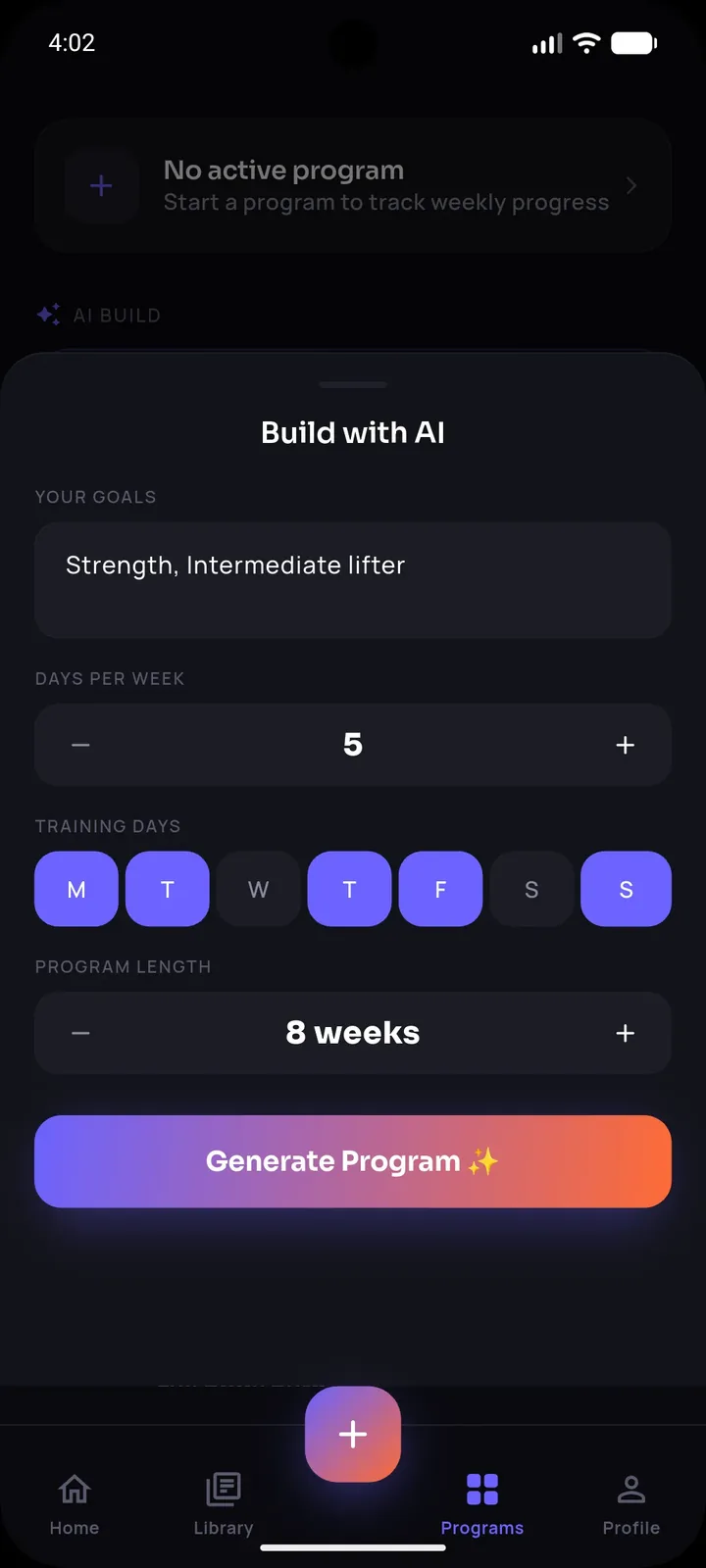
SetForge turns saved Instagram & TikTok workout videos into structured, trackable training programs — automatically.
What an App-Based Organizer Should Actually Do
If you're evaluating an app to solve this instead of a spreadsheet, it needs to do more than just store video links. Look for:
- Automatic exercise extraction from the video itself, not just a caption field you fill in by hand
- A real exercise library behind it, so extracted movements map to a searchable, filterable database instead of free-text
- A workout history that remembers what you did last time, not just what's saved for later
- A distraction-free mode for actually training, separate from the browsing/organizing experience
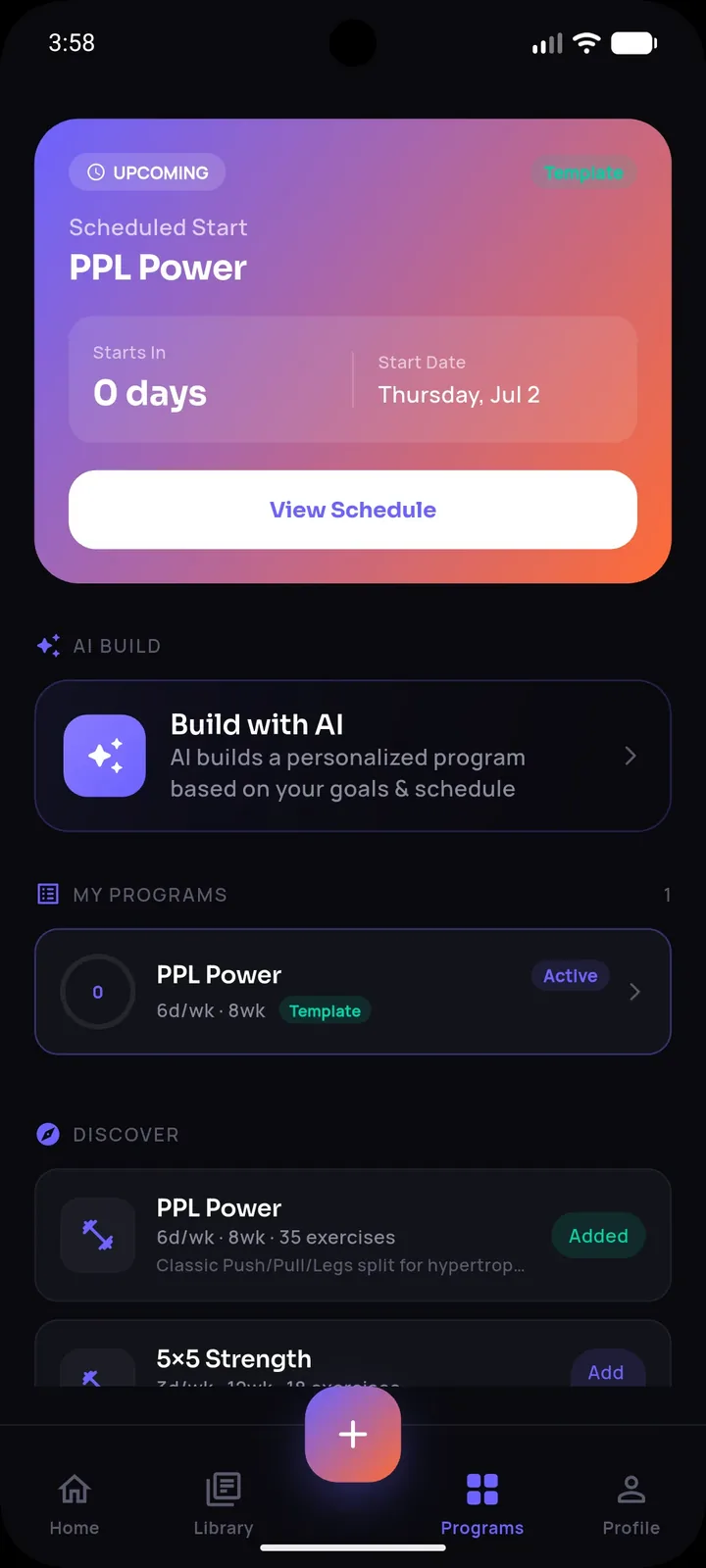
This is precisely the gap SetForge fills. You share a saved Instagram or TikTok clip directly into the app, and its AI reads the video to extract every exercise, set, rep count, and rest period — turning Layer 1 (capture) directly into Layer 2 (structure) without you manually transcribing anything. Every import lands in your workout history automatically, tagged and ready to filter, and if you'd rather build from scratch, SetForge's manual builder is backed by a 500+ exercise library filterable by muscle group so nothing has to be typed from memory.
Turning Structure Into Consistency
Once your clips are organized into real workouts, the next step is using that structure during training, not just before it. SetForge's Smart Gym Mode shows your previous performance right next to each exercise while you're mid-session, with an automatic rest timer and a screen that won't dim on you — so the organization work you did upfront actually pays off in the gym, not just in a tidy list at home.
Over time, SetForge's Progress Analytics ties it all together: training volume, strength progression, and estimated one-rep max, calculated automatically from the workouts you've imported and logged — so the organizing isn't just for tidiness, it's the foundation for measurable progress.
Frequently Asked Questions
What's the fastest way to organize an existing backlog of 100+ saved videos?
Don't try to process all of them at once. Import or transcribe your 10-15 favorites first, start training from those, and only go back to the rest during a weekly review — the backlog will keep existing whether or not you clear it in one sitting.
Should I organize by muscle group or by the creator I saved it from?
Muscle group or day type (push/pull/legs) is far more useful for actually planning a week than organizing by creator, since you'll be searching "what's my leg day" far more often than "what did this one account post."
Does SetForge work with videos saved from any platform?
You can share workout videos from Instagram and TikTok directly into SetForge, and its AI extracts the exercises, sets, reps, and rest time automatically.
What happens to workouts I try once and don't like?
Mark them as retired rather than deleting the record — your workout history in SetForge keeps a log of everything you've actually done, which is useful context even for workouts you don't repeat.
Can I mix imported workouts with ones I build manually?
Yes — imported and manually built workouts live side by side in the same history and can be part of the same weekly program.
The Bottom Line
An organizer only works if it turns saved videos into structured, trackable workouts — not just a tidier list of links. Whether you build the three-layer system manually or let an AI-powered import handle the extraction automatically, the goal is the same: stop re-discovering the same handful of workouts every week and start actually training from an organized system that remembers what you did and helps you do it better next time.