Somewhere between "saw a cool workout on Instagram" and "actually trained using it" is a process most people never formalize — they just wing it, half-remembering the video mid-set, and end up with a rough approximation of what they saw rather than the actual structured session. Here's the exact process for closing that gap, every time.
Why Watching Isn't the Same as Having a Routine
A workout video is a performance captured on camera — it shows movement, not necessarily every number behind it. Rep counts get mentioned in passing or not at all, rest periods are edited out entirely, and the order of exercises is dictated by what looks good on camera, not necessarily what you should follow exactly. Turning it into a routine means extracting the training data hiding inside the performance.
The Four-Step Conversion Process
- Identify every exercise shown, in order, using proper names you could search for a substitution if needed.
- Extract or estimate sets and reps for each — if the video doesn't specify, use a reasonable default (3 sets of 10-12 for hypertrophy-style work) and adjust after your first attempt.
- Assign rest periods — 60-90 seconds for accessory work, 2-3 minutes for heavy compound lifts, regardless of what the edited video shows.
- Log your first real attempt's numbers immediately, creating the baseline you'll try to beat next time.
Doing this by hand for one video is manageable. Doing it for every video you save, week after week, is where most people give up — which is exactly the friction an AI import tool is designed to remove.
Stop losing workouts in your camera roll.
SetForge turns saved Instagram & TikTok workout videos into structured, trackable training programs — automatically.
How SetForge Automates the Entire Process
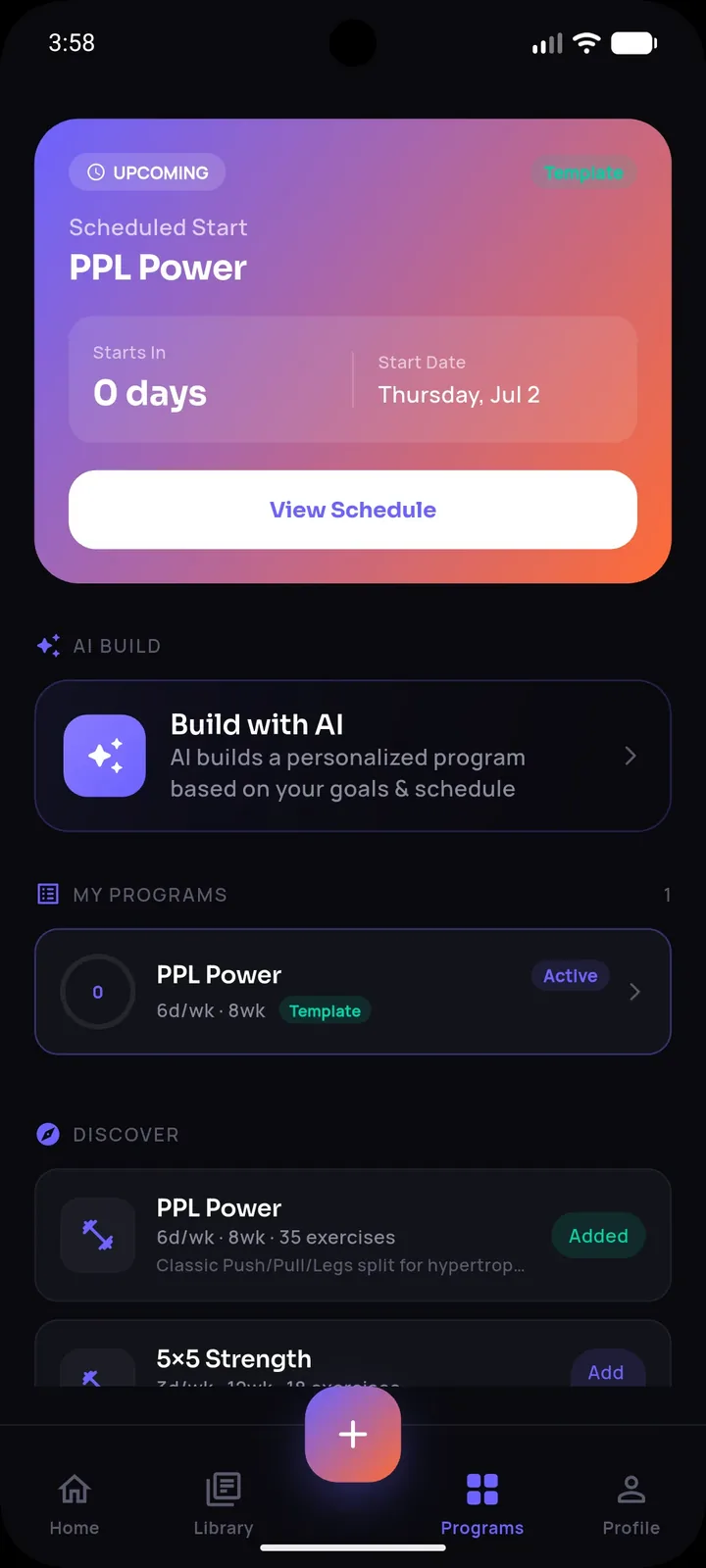
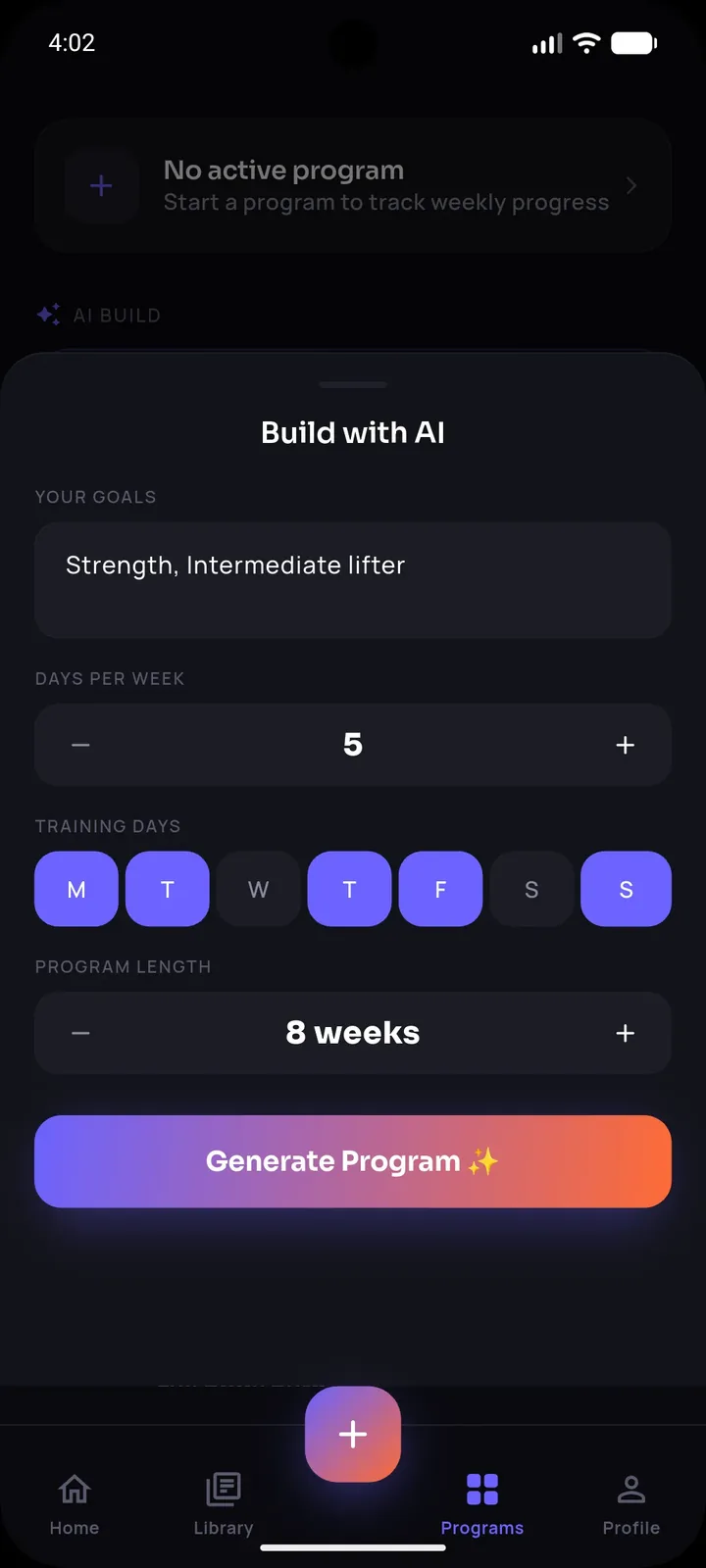
SetForge was built specifically around this exact workflow. Share a saved Instagram or TikTok video directly into the app, and its AI identifies every exercise, extracts the sets, reps, and rest time, and builds a structured, editable workout — automatically completing steps one through three in seconds. From there, all that's left is training and logging your actual numbers, which SetForge captures automatically as you go through Smart Gym Mode.
Because every extracted exercise is matched against SetForge's 500+ exercise library, you can also swap in a substitution instantly if you don't have the exact equipment shown in the video — without breaking the muscle-group intent of the original workout.
What to Do When the AI Extraction Needs a Manual Tweak
No extraction process is perfect for every video — fast cuts, unusual camera angles, or unclear audio can occasionally cause a detail to be missed. The important part is that the imported workout is fully editable before you save it, so you stay in control of the final version rather than being locked into whatever was automatically detected.
Turning One Converted Video Into an Ongoing Habit
The real value isn't converting a single video — it's making conversion your default behavior for every workout video you find worth trying, so your workout history keeps growing into a real, searchable library instead of staying a single one-off experiment. Over weeks, SetForge's Progress Analytics turns that accumulated history into training volume charts, strength progression, and estimated one-rep max, giving you actual measurable evidence of improvement.
A Practical Example
Say you save a 45-second Instagram reel showing a trainer doing dumbbell rows, overhead presses, lateral raises, and a triceps pushdown, with no reps mentioned. Converting it manually means writing all four exercises down, estimating 3x10-12 for each, assigning 90 seconds rest, and logging your actual weights the first time you try it. Importing it into SetForge does the identification and structuring automatically, leaving you to just log your numbers during the session.
Frequently Asked Questions
What if a video doesn't mention sets or reps at all?
Default to a reasonable range (3 sets of 10-12 reps for general hypertrophy work) and adjust based on how challenging it feels during your first attempt.
Can I edit a workout after SetForge's AI imports it?
Yes — every imported workout is fully editable before and after saving, so you can adjust anything the AI didn't capture exactly as intended.
Does this work for both Instagram and TikTok videos?
Yes — you can share workout videos from either platform directly into SetForge for AI-powered extraction.
What if I don't have the exact equipment shown in the video?
SetForge's 500+ exercise library, filterable by muscle group, makes it easy to swap in an equivalent exercise for whatever equipment you actually have.
How long does the whole conversion process take with SetForge?
Sharing a video and having it converted into a structured, editable workout typically takes just seconds, compared to several minutes of manual transcription.
The Bottom Line
Turning any saved workout video into a real, trackable routine comes down to four steps: identify the exercises, extract or estimate the sets and reps, assign rest periods, and log your actual numbers. Doing it manually works but doesn't scale; letting AI handle the extraction means every good video you find becomes usable training in seconds, not a half-remembered attempt at the gym.