Losing months of logged training history to a phone switch is a genuinely painful experience — all those estimated 1RM trends, volume charts, and logged workouts, gone because nobody thought to back anything up before the old phone got wiped, sold, or lost. This is entirely avoidable with the right setup in advance.
Why This Happens More Often Than People Expect
Many fitness apps store data locally on the device by default, with cloud backup as an optional, easy-to-miss setting rather than something automatic. People assume their data is "in the app" and safe, without realizing it's tied specifically to that one device until they've already switched and discovered the history is gone.
What to Check Before Switching Phones
- Is cloud backup enabled? Check this setting explicitly rather than assuming it's on by default.
- Are you signed in to a real account? Data tied only to a local, unauthenticated app install typically can't be restored elsewhere.
- Has a recent backup actually run? Some apps back up on a schedule rather than continuously — confirm a recent sync happened before wiping the old device.
How SetForge Protects Your Training History
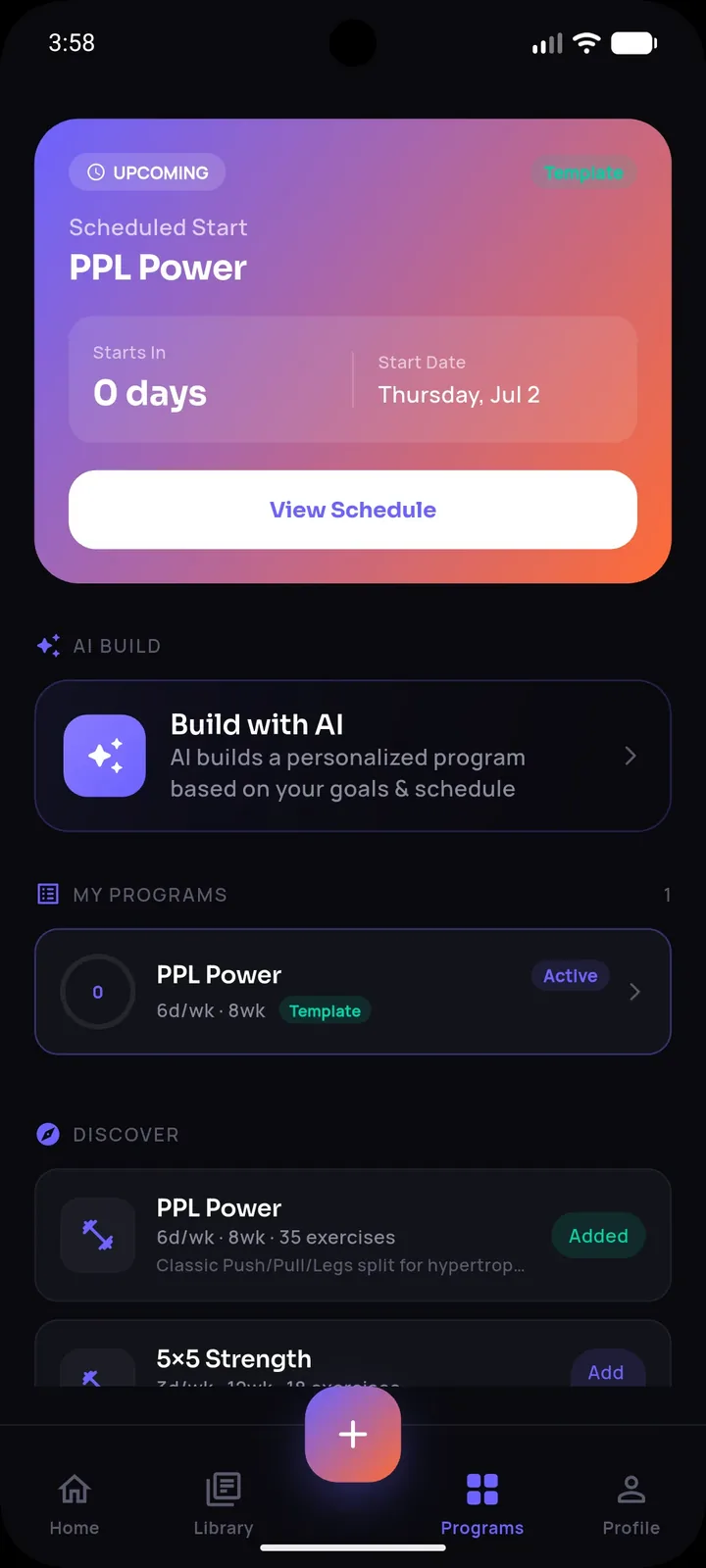
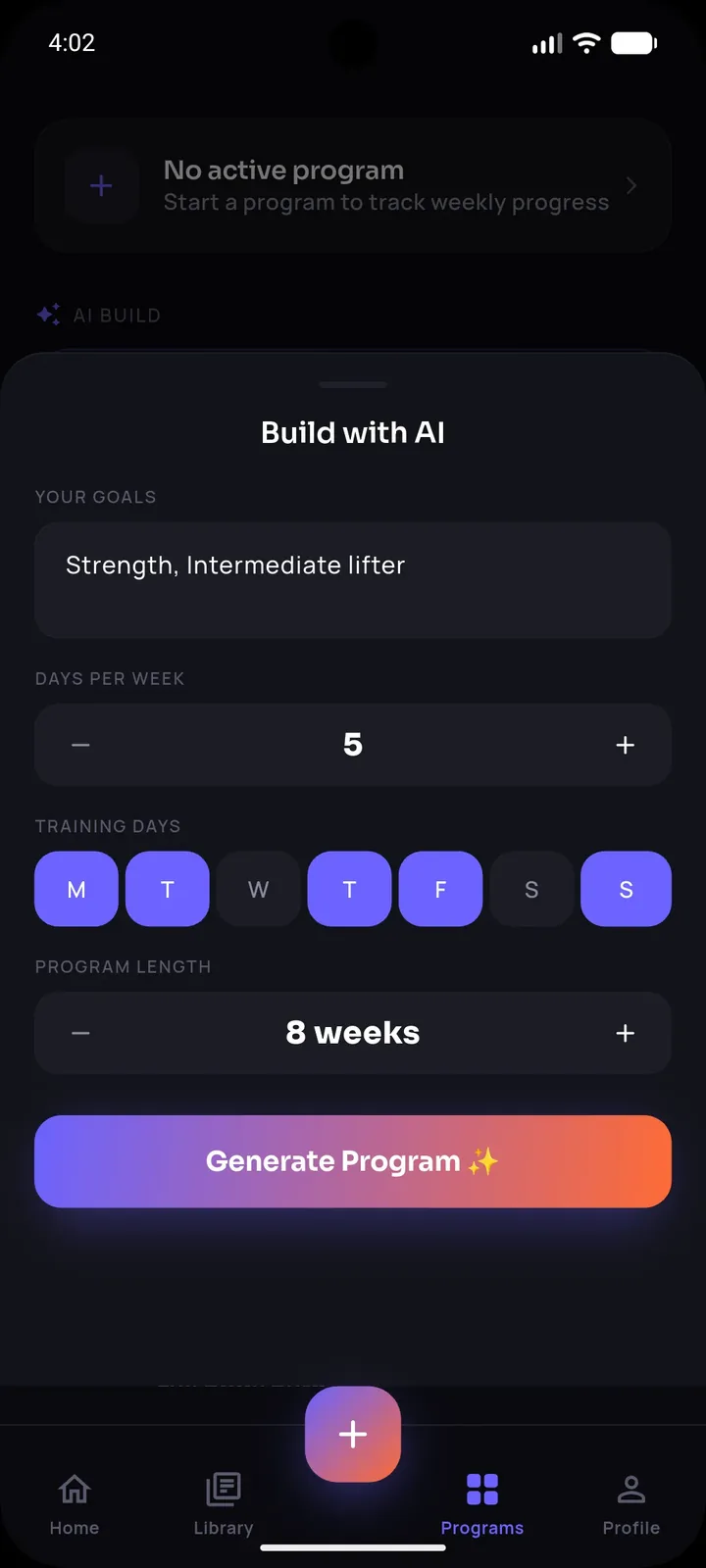
SetForge supports cloud backup and restore via Google or Apple sign-in, which means your workout history, progress data, and account details are tied to your account rather than locked to a single physical device. As long as you're signed in and backed up, switching to a new phone means signing in with the same Google or Apple account and restoring your full history — imported workouts, logged sets, progress photos, and analytics all carrying over.
Stop losing workouts in your camera roll.
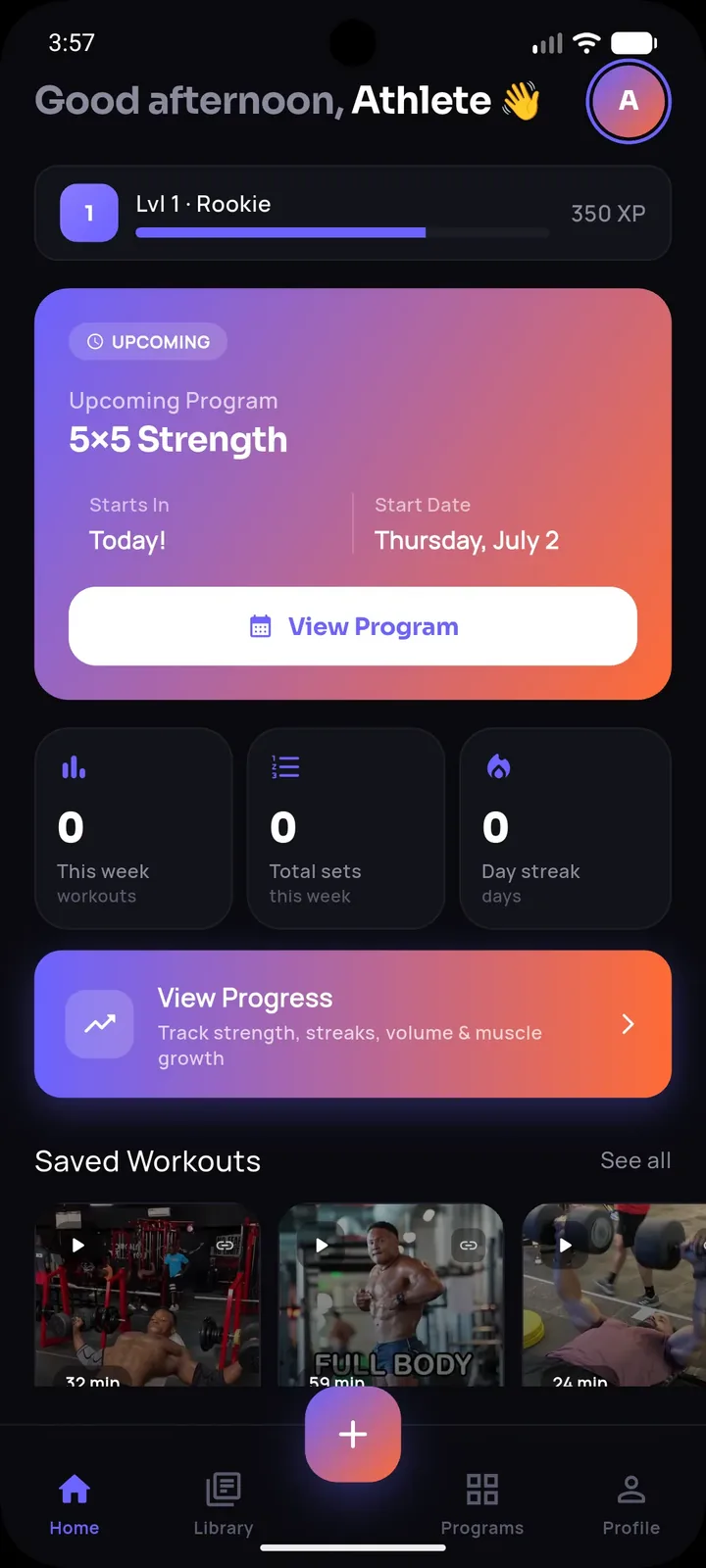
SetForge turns saved Instagram & TikTok workout videos into structured, trackable training programs — automatically.
A Simple Pre-Switch Checklist
- Open the app and confirm you're signed in with your Google or Apple account, not using it anonymously.
- Manually trigger a backup or sync if the app offers that option, rather than assuming it's automatic.
- On your new phone, install the app and sign in with the same account before doing anything else.
- Confirm your workout history, progress photos, and analytics are present before wiping or selling your old device.
What to Do If You've Already Lost History
If a switch has already happened and history appears to be missing, check whether you're signed in with the same account used previously — a surprising number of "lost data" cases are actually a sign-in mismatch rather than genuinely deleted data. If the account matches and data is still missing, contact the app's support for account-specific troubleshooting before assuming it's permanently gone.
Frequently Asked Questions
Does SetForge automatically back up my data?
SetForge supports cloud backup and restore via Google or Apple sign-in — being signed in with your account is what ties your data to the cloud rather than just the device.
What happens if I never signed in to an account before switching phones?
Data stored only locally without an account sign-in typically cannot be restored on a new device, which is why signing in before switching matters.
Do progress photos transfer over during a phone switch?
Progress photos are stored on-device; check your specific backup and account settings to confirm what's included in your restore before wiping an old device.
How often should I check that my backup is working?
It's worth confirming before any planned phone switch, and periodically otherwise, rather than assuming it's silently working in the background indefinitely.
Can I restore my history on a second device while keeping my old phone active too?
Signing into the same account on a new device should restore your history; consult the app's specific account settings for how it handles simultaneous device usage.
The Bottom Line
Losing your workout history in a phone switch is avoidable — the key is confirming cloud backup and account sign-in are actually active before you wipe or sell your old device, not assuming it happens automatically. A few minutes of checking beforehand protects months or years of accumulated training data.