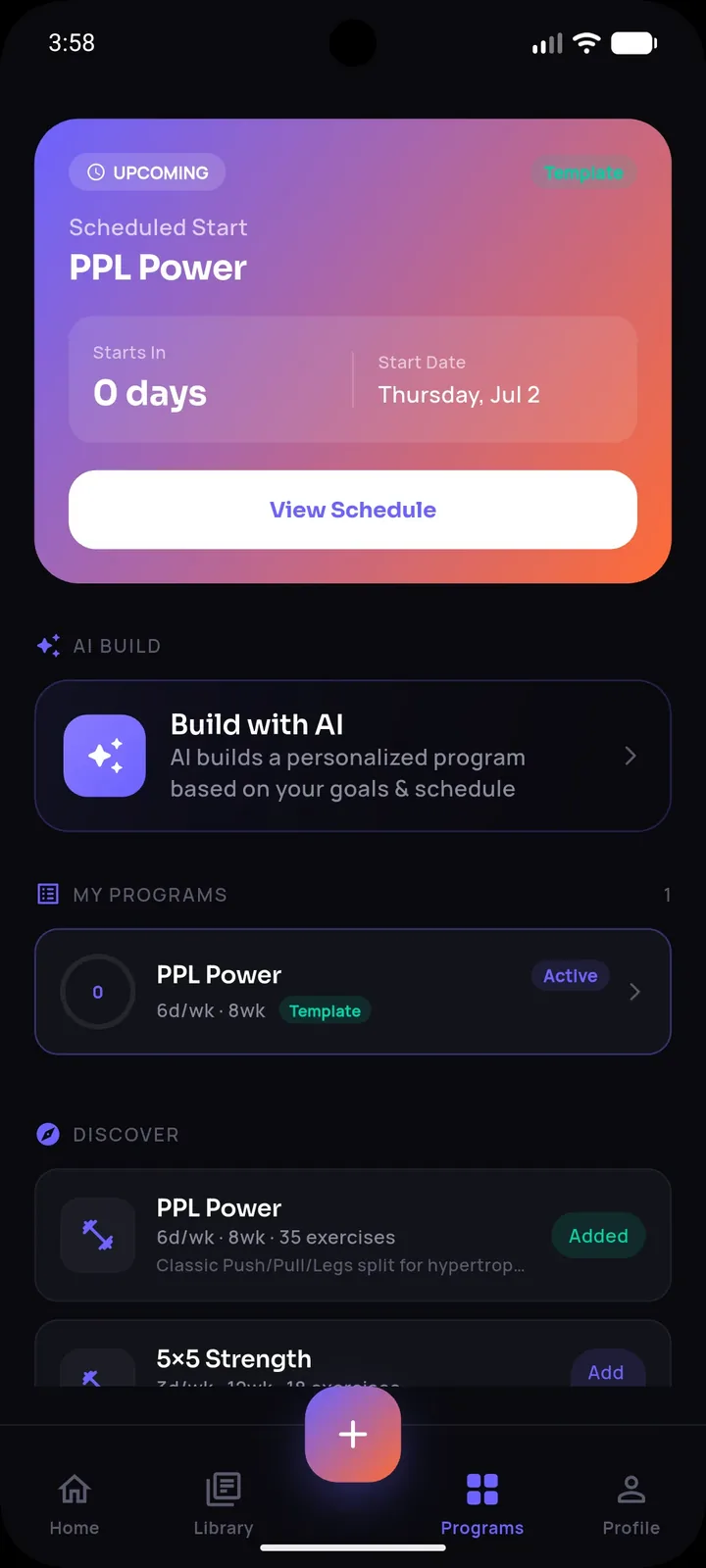
There's a specific kind of guilt that builds up in a saved-videos folder — every scroll past it is a quiet reminder of workouts you meant to do and never got around to structuring. The good news is that the gap between "saved" and "structured" is smaller than it feels, once you have the right steps and the right tool to shortcut the tedious parts.
The Difference Between Saving and Organizing
Saving is a single action — tap, done, dopamine hit. Organizing requires several additional decisions: what muscle group does this hit, what are the actual sets and reps, when in my week does this fit, and have I already got something similar saved. Most people do the first and skip the rest, which is exactly why saved folders keep growing without producing more actual training.
A Simple Weekly Habit That Fixes This
Rather than trying to organize every video the moment you save it (which kills the browsing experience), set a fixed 15-minute weekly slot — Sunday evening works well — to process everything you saved that week:
- Open your saved folder and go through only the new additions since last week.
- For each one, decide immediately: keep or delete. Be honest about ones you'll never actually do.
- For the keepers, extract the exercises, sets, and reps.
- Tag each as push, pull, legs, full body, or conditioning.
- Slot 2-4 of them into next week's plan; leave the rest in a "someday" bucket.
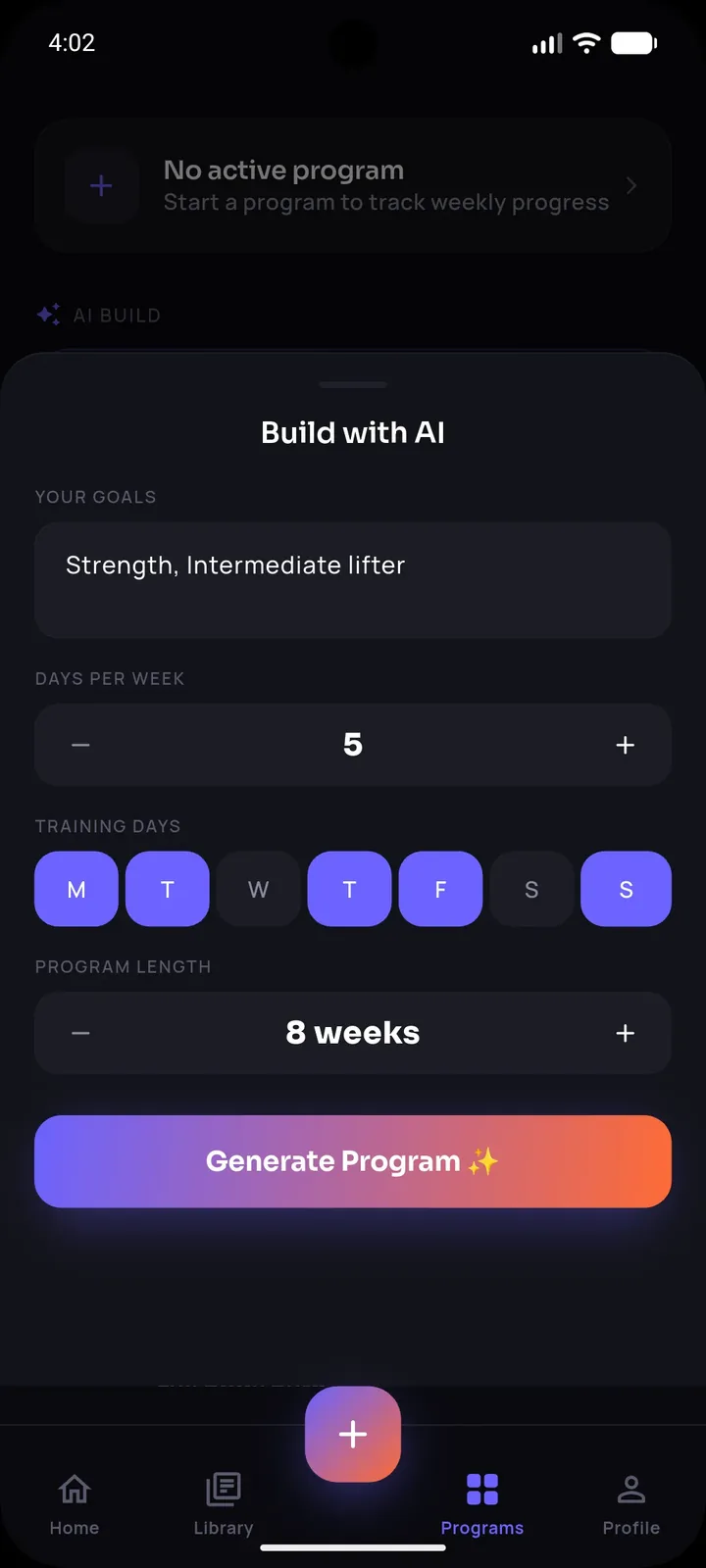
Stop losing workouts in your camera roll.
SetForge turns saved Instagram & TikTok workout videos into structured, trackable training programs — automatically.
Why Step 3 (Extraction) Is the Real Bottleneck
Everyone can manage steps 1, 2, 4, and 5 — they're quick decisions. Step 3 is where people quit, because manually rewatching a clip multiple times to catch every rep count and rest period is genuinely tedious, especially across five or six videos a week. This is the exact problem SetForge is built to remove: share a saved video directly into the app, and its AI extracts the exercises, sets, reps, and rest time automatically. What used to take fifteen minutes of pausing and rewinding per video now takes seconds, which means the weekly organizing habit is actually sustainable long-term instead of something you do for two weeks and abandon.
Building the Habit So It Sticks
A few things make this weekly process much more likely to actually continue:
- Same day, same time, every week — treat it like a recurring calendar event, not a "whenever I feel like it" task
- A hard cap on new saves you'll process — if you saved 20 videos this week, only fully process your top 5; the rest wait or get deleted
- Immediate logging of your first attempt — the moment you first do a newly organized workout, write down your actual numbers so there's a baseline to beat next time
SetForge's home screen surfaces your recent workouts and history automatically, which makes this weekly review faster since you're not hunting through a generic camera roll or notes app to see what you've already got organized.
From Organized to Improving
Organizing is only valuable if it leads somewhere — the end goal is a rotation of workouts you repeat and progressively improve on, not just a tidier saved-videos folder. Once a video is imported and logged in SetForge, its Progress Analytics tracks your training volume and estimated one-rep max automatically, so the organizing effort compounds into visible progress over weeks and months instead of just staying a neat list.
Frequently Asked Questions
How often should I go through my saved workout videos?
A fixed weekly slot works best — daily is unnecessary and often gets skipped, while monthly lets the backlog grow too large to feel manageable.
Should I delete videos I'm not going to use?
Yes — an honest "keep or delete" decision each week keeps your library useful instead of becoming an ever-growing archive you never revisit.
How does SetForge extract exercises from a saved video?
You share the video directly into the app, and its AI identifies the exercises performed along with the sets, reps, and rest time shown or spoken in the clip, then builds a structured workout automatically.
What if I don't remember which saved videos I've already tried?
Once imported into SetForge, every workout stays in your history with your logged performance, so you can see at a glance what's been tried versus what's still new.
Is it worth organizing videos I'm not sure I'll ever do?
No — only invest the extraction step in videos you're reasonably confident you'll actually train with; everything else can stay saved but unprocessed until you're sure.
The Bottom Line
Saving a workout video is easy; the system that turns it into real training is what actually matters. A short weekly habit, combined with AI-powered extraction to remove the tedious transcription step, closes the gap between "saved" and "structured" — and turns a guilt-inducing folder into an organized, growing library of workouts you actually run.