Most organizing advice assumes you have an hour to spend color-coding folders. Busy people don't have that hour, and the advice fails the moment it's tested against a real week. What actually works is a lightweight system that survives being done tired, in ten minutes, right before bed.
Why Most Organizing Systems Fail Busy People
Elaborate tagging systems, spreadsheets with a dozen columns, and folder structures with sub-folders all share the same flaw: they require ongoing maintenance effort that competes with the actual limited time you have for training. The system that survives isn't the most thorough one — it's the one with the fewest steps that still gets you from "saved video" to "workout I can follow at the gym."
The Three-Question Filter
For busy fitness fans, cut every organizing decision down to three quick questions per video:
- Will I actually do this? If no, delete it now — don't let it linger.
- What day type is it? Push, pull, legs, or full body — one tag, no more.
- Do I have the equipment? If not, is there an obvious substitution, or should it wait?
That's it. No sub-categories, no difficulty ratings, no notes fields. The goal is speed, not perfection.
Stop losing workouts in your camera roll.
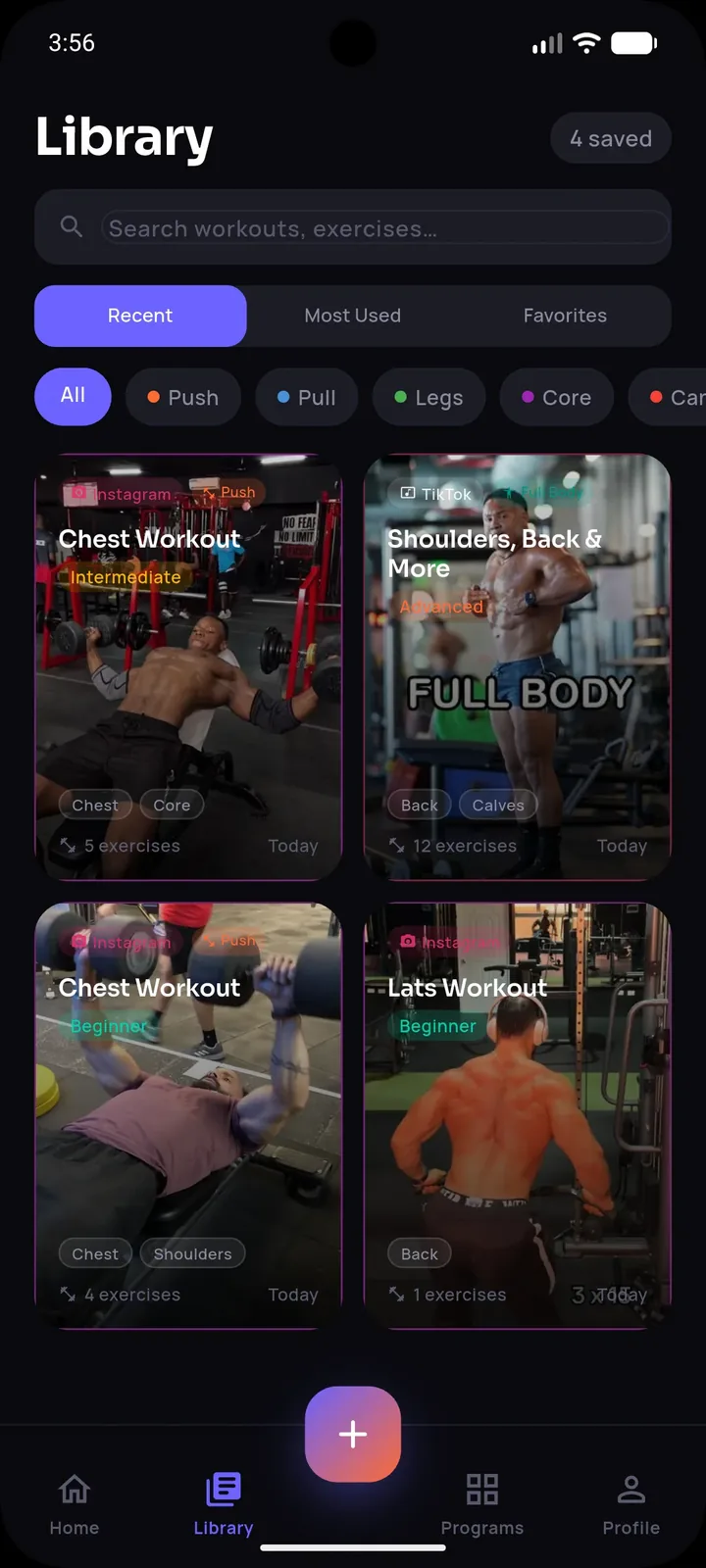
SetForge turns saved Instagram & TikTok workout videos into structured, trackable training programs — automatically.
Removing the Slowest Step With AI
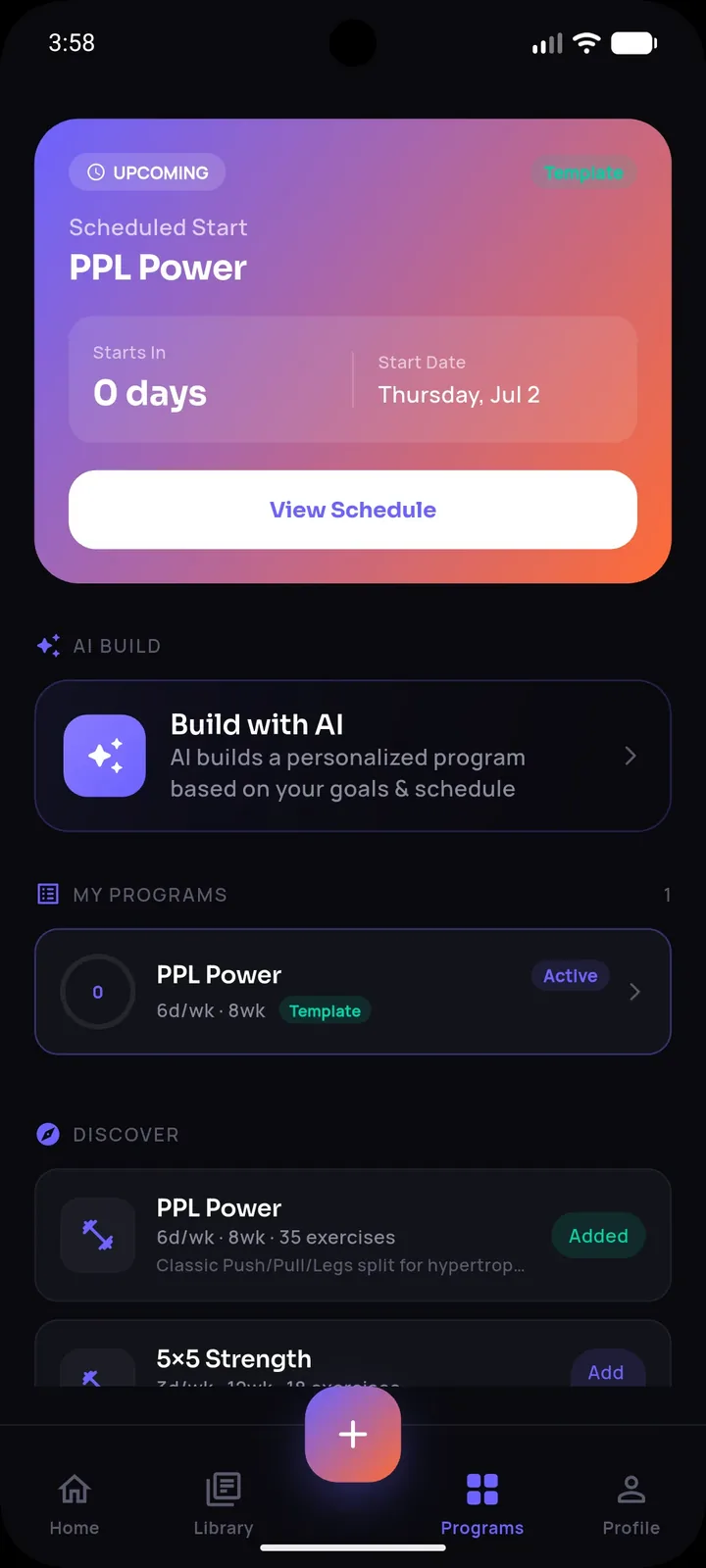
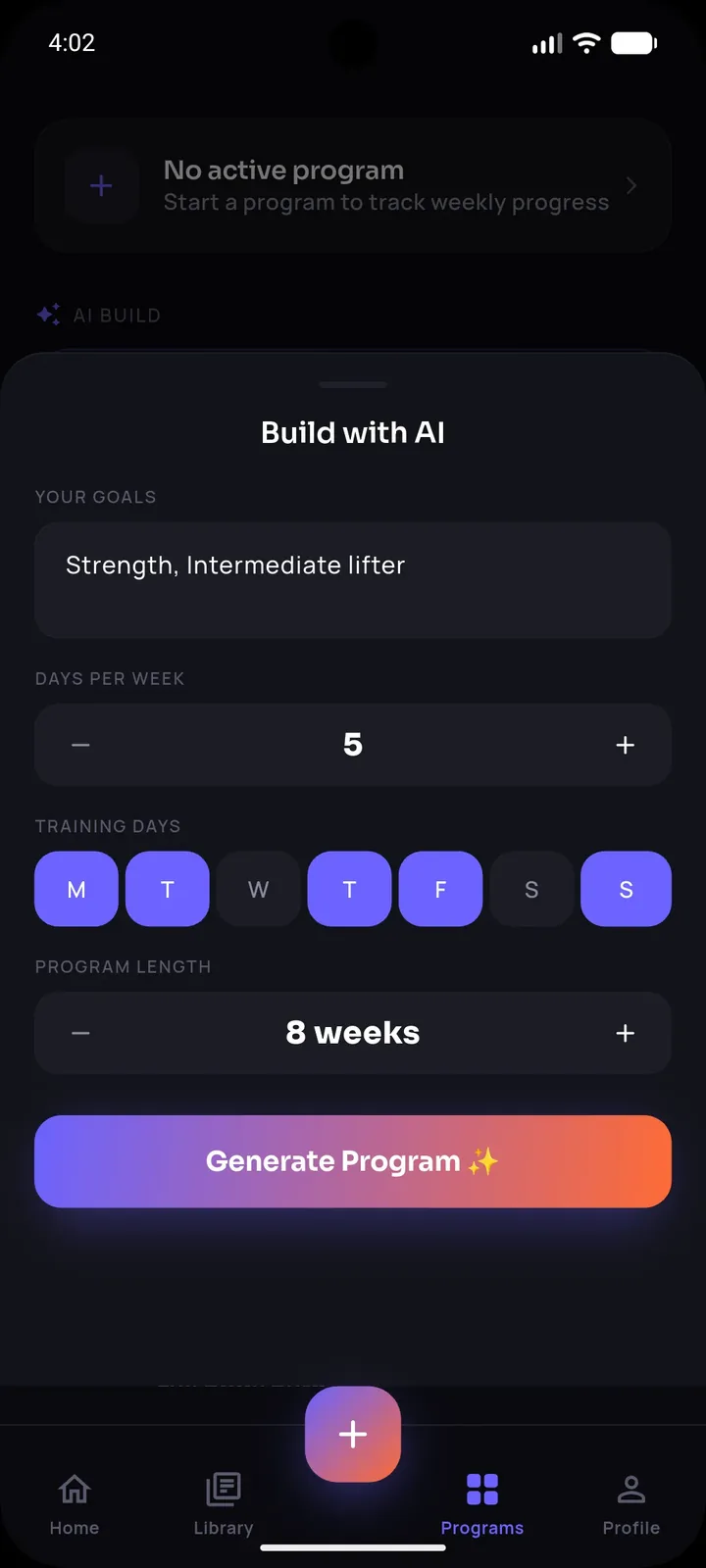
Even with just three quick questions, manually transcribing sets, reps, and exercises from each video is the part that eats up time — and it's exactly the part busy people skip, which is why "organized" folders often just end up being smaller, still-messy folders. SetForge removes this bottleneck entirely: share a saved video into the app and its AI extracts the exercises, sets, reps, and rest time automatically, cutting the busiest part of the process down to a few seconds per video.
Because the extraction is automatic, the three-question filter becomes genuinely fast to apply — you're only making quick judgment calls, not doing data entry.
A Realistic 10-Minute Weekly Routine
- Minutes 0-3: Go through new saves, delete anything you won't actually do.
- Minutes 3-7: Import the keepers (AI extraction handles the data entry).
- Minutes 7-10: Slot 2-3 into next week's plan by day type.
Ten minutes, once a week, is sustainable in a way that an hour-long organizing session never is for someone already stretched thin.
Making the System Work at the Gym, Not Just at Home
Organizing only matters if it makes your actual gym time smoother. SetForge's Smart Gym Mode is built for exactly this — large tap targets so you're not squinting at a cluttered screen mid-set, an automatic rest timer with sound, and your previous performance shown per exercise so busy people don't have to remember or think hard about what they lifted last time.
Frequently Asked Questions
I don't have time to organize 150 saved videos. Where do I even start?
Don't try to process the backlog — start fresh with new saves going forward, and only dip into the old backlog occasionally when you have a few extra minutes.
Is a simple day-type tag really enough organization?
For most people, yes — the goal is being able to quickly find "something for push day," not building a perfectly categorized database.
How much time does AI extraction actually save?
Manually transcribing a single video's exercises, sets, and reps can take several minutes; SetForge's AI extraction typically takes seconds per video.
What if I miss a week of organizing?
The system is designed to survive gaps — just pick it back up the following week and process whatever's new since then.
Do I need to organize before every single workout?
No — organizing happens on your own weekly schedule, separate from workout days, so session time stays focused on training, not sorting.
The Bottom Line
Busy people don't need an elaborate organizing system — they need the simplest one that survives being done tired in ten minutes. Cut decisions down to three quick questions, let AI handle the tedious data extraction, and you'll have a usable, trackable workout library without it ever becoming another chore competing for your limited time.