The workout tracker app market in 2026 is crowded, and a lot of the differences between apps are cosmetic rather than functional. Picking the wrong one usually doesn't show up immediately — it shows up three months later when you realize your logged history doesn't actually help you make decisions, or the app can't handle how you actually discover workouts.
The Core Question: How Do You Actually Find Workouts?
Before evaluating any feature list, be honest about how you actually discover the workouts you do. If most of your training inspiration comes from Instagram and TikTok, an app without AI-powered video import is going to leave you doing the tedious manual transcription work yourself, no matter how good its logging interface is. If you build your own programs from scratch, a deep, filterable exercise library matters more than import features.
Features That Actually Matter
- A real exercise library, filterable by muscle group — not just a free-text field for exercise names
- Workout import from video, if that's how you find training content, with AI extraction of sets/reps/rest rather than manual entry
- A distraction-free training mode for actually using the app mid-workout — large tap targets, an automatic rest timer, and your previous performance visible per exercise
- Progress analytics — training volume, strength progression, and estimated 1RM calculated automatically from your logs
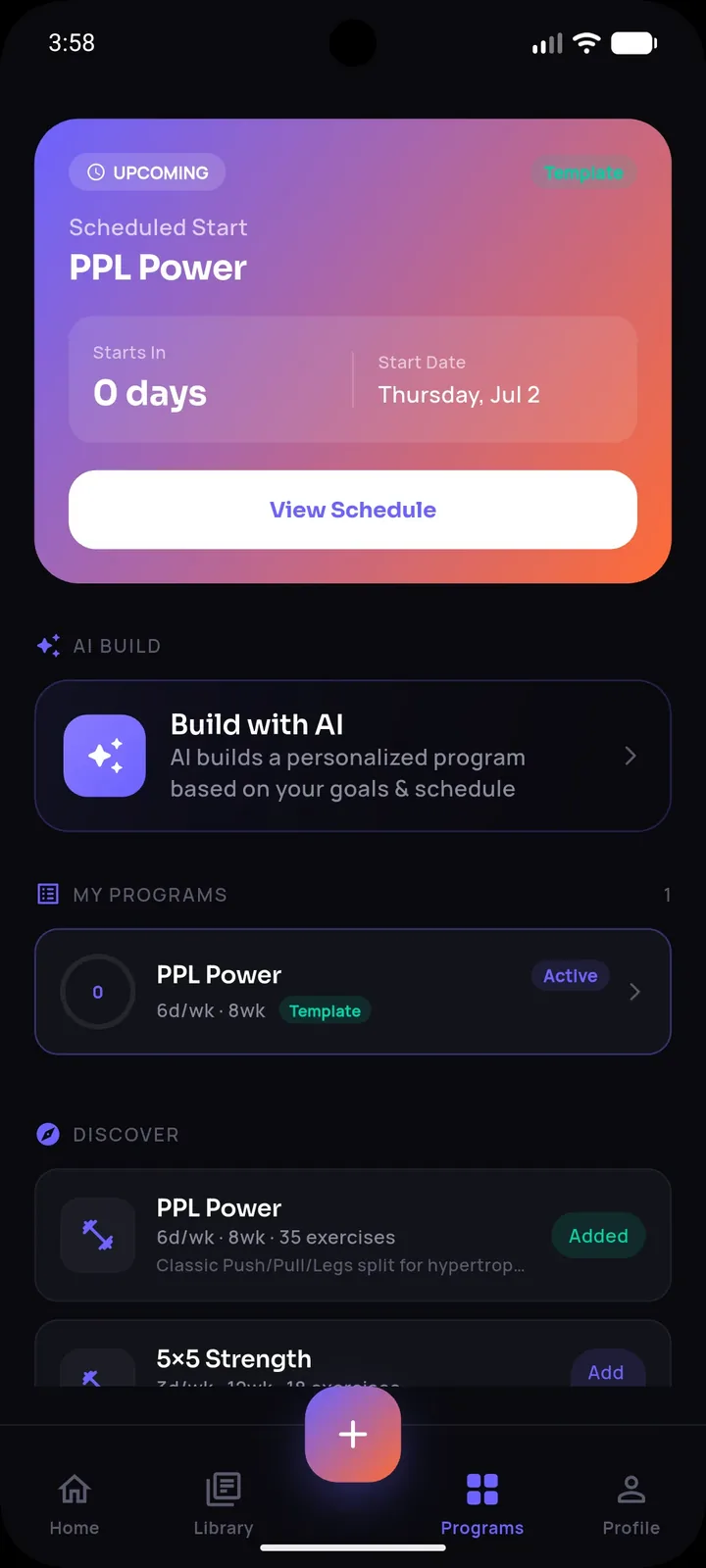
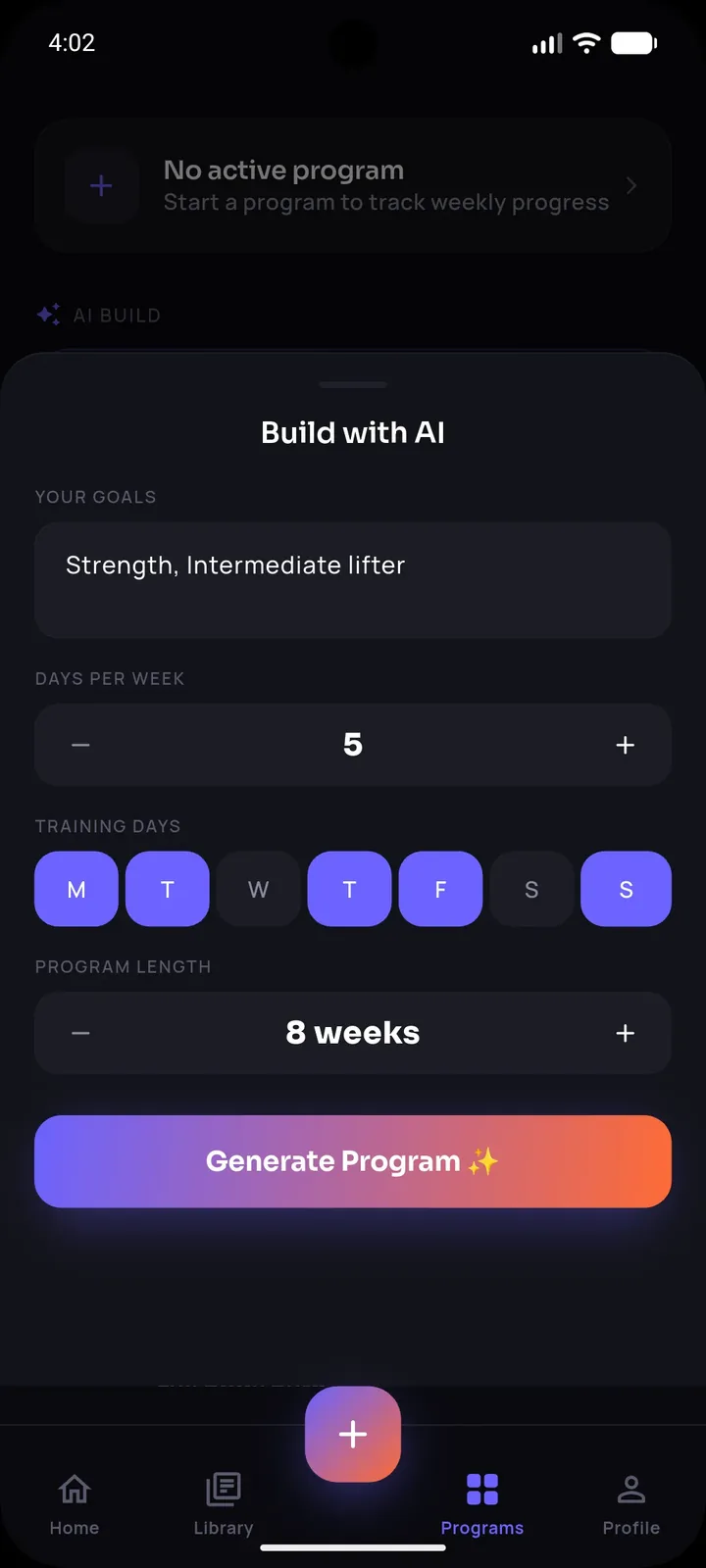
- Program support — the ability to set up multi-week structured splits, not just single standalone workouts
- Data portability — cloud backup so switching phones doesn't mean losing months of training history
Features That Sound Good But Rarely Matter Much
- Social feeds and leaderboards — engaging for some, but not necessary for actual training results and can add distraction
- An enormous number of pre-built programs you'll never use — quality and relevance to your goals matter more than sheer quantity
Stop losing workouts in your camera roll.
SetForge turns saved Instagram & TikTok workout videos into structured, trackable training programs — automatically.
How SetForge Fits the 2026 Evaluation Criteria
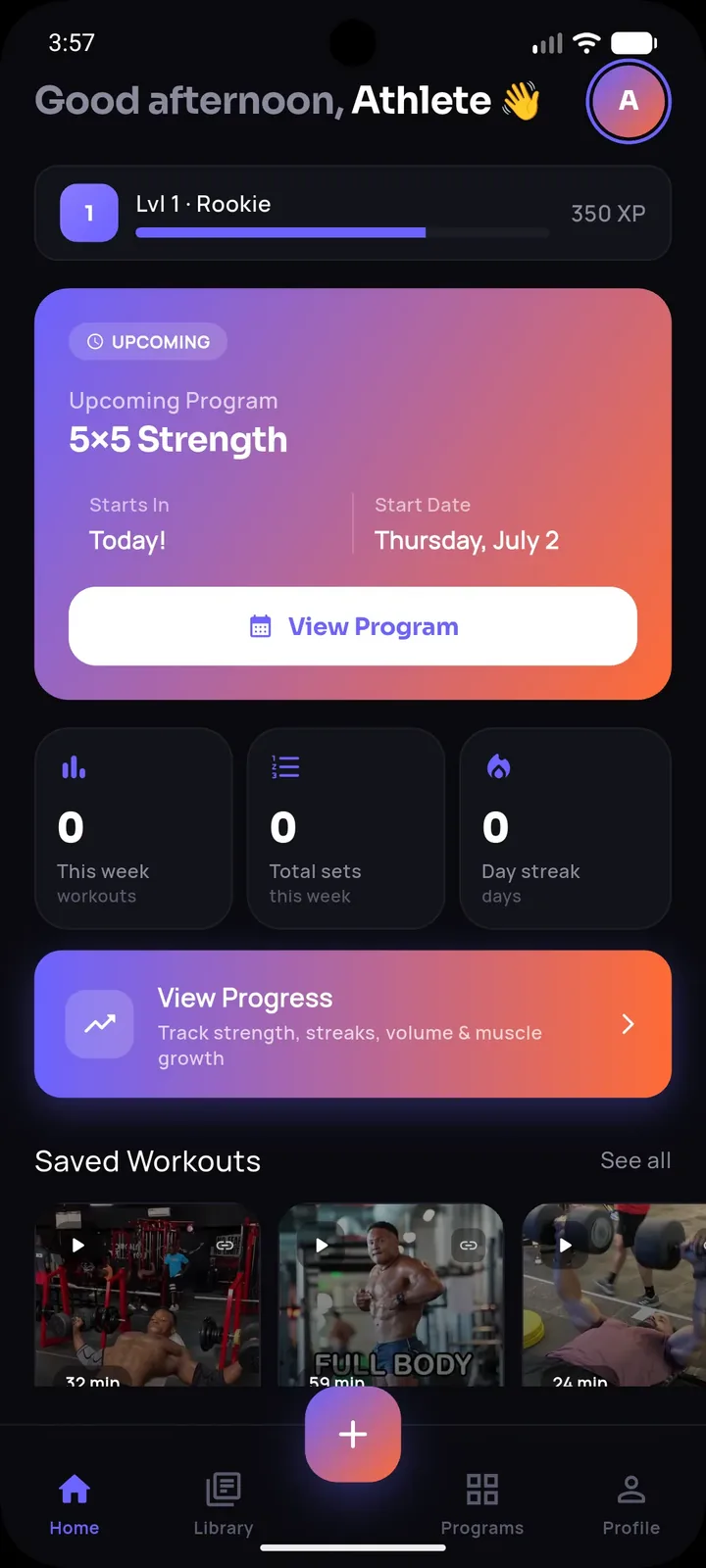
SetForge was built around the reality that most people in 2026 discover workouts through short-form video, not static programs — its AI import extracts exercises, sets, reps, and rest time automatically from a shared Instagram or TikTok clip. For structured training, its Program Builder supports multi-week splits (PPL, upper/lower, or fully custom) and tracks your exact position in the program. During actual sessions, Smart Gym Mode provides large tap targets, an automatic rest timer with sound, and your previous performance shown per exercise. Progress Analytics covers training volume, strength progression, estimated 1RM, body measurements, and a muscle-group breakdown, and cloud backup via Google or Apple sign-in protects your history if you switch phones.
Free vs Paid: What to Actually Expect
Most workout tracker apps, including SetForge, offer a free tier alongside a paid subscription. A reasonable free tier should let you actually use the core logging and import functionality, with the paid tier unlocking things like unlimited imports, deeper analytics, or priority access to AI coaching features — rather than paywalling basic tracking entirely.
A Practical Testing Checklist Before Committing
- Import or log a real workout you'd actually do this week — don't test with a demo workout.
- Actually use the app during a real training session, not just browsing it at home.
- Check whether your data would survive switching to a new phone.
- Confirm the free tier covers enough of your actual usage before assuming you need to pay immediately.
Frequently Asked Questions
What's the most important feature to evaluate first?
How the app handles the way you actually discover workouts — video import if you use social media for inspiration, or exercise library depth if you build your own programs.
Is it worth paying for a workout tracker app?
If the paid tier unlocks features you'll actually use regularly — like unlimited imports or advanced analytics — it's often worthwhile; test the free tier first to confirm the app fits your workflow.
What happens to my data if I switch phones?
SetForge supports cloud backup and restore via Google or Apple sign-in, so your workout history transfers to a new device rather than being lost.
Do I need social features in a workout tracker?
They're optional for most people — core tracking, programming, and analytics matter far more for actual results than social or leaderboard features.
How can I tell if an app's AI import actually works well?
Test it with a real, complex workout video you'd actually use, not a simple demo clip, and check whether the extracted sets, reps, and rest match what you saw.
The Bottom Line
Choosing a workout tracker app in 2026 comes down to how well it fits your actual habits — how you find workouts, how you train, and whether your data stays safe long-term. Test it with real usage before committing, and prioritize features that affect your actual training over ones that just look good in a feature list.