Screenshots are the quiet cousin of saved videos — a workout chart from a blog post, a caption you screenshotted before it got buried in someone's feed, a program someone shared in a group chat. They pile up in your camera roll mixed in with everything else you've ever photographed, and unlike a dedicated saved-videos tab, there's no filtering mechanism at all.
Why Screenshots Are Even Harder to Organize Than Videos
At least a saved video lives in a platform's dedicated collection. A screenshot lives in your general camera roll, alongside vacation photos, receipts, and memes — there's no built-in separation at all. Finding a specific workout screenshot from months ago means scrolling through your entire photo history, which is an even worse experience than hunting through a saved-videos tab.
The Step-by-Step System
- Create a dedicated album (most phones support this) specifically for fitness screenshots, separate from your general camera roll.
- Do a one-time sweep of your existing camera roll, moving every fitness-related screenshot into that album.
- Go through the album and extract the actual data — exercises, sets, reps — from each screenshot into a structured workout.
- Delete or archive screenshots once they've been converted into a structured workout, so the album doesn't become its own unmanageable backlog.
- For new screenshots going forward, convert them into a structured workout within the same week you take them, before they pile up again.
Stop losing workouts in your camera roll.
SetForge turns saved Instagram & TikTok workout videos into structured, trackable training programs — automatically.
Where AI Extraction Fits (and Where It Doesn't)
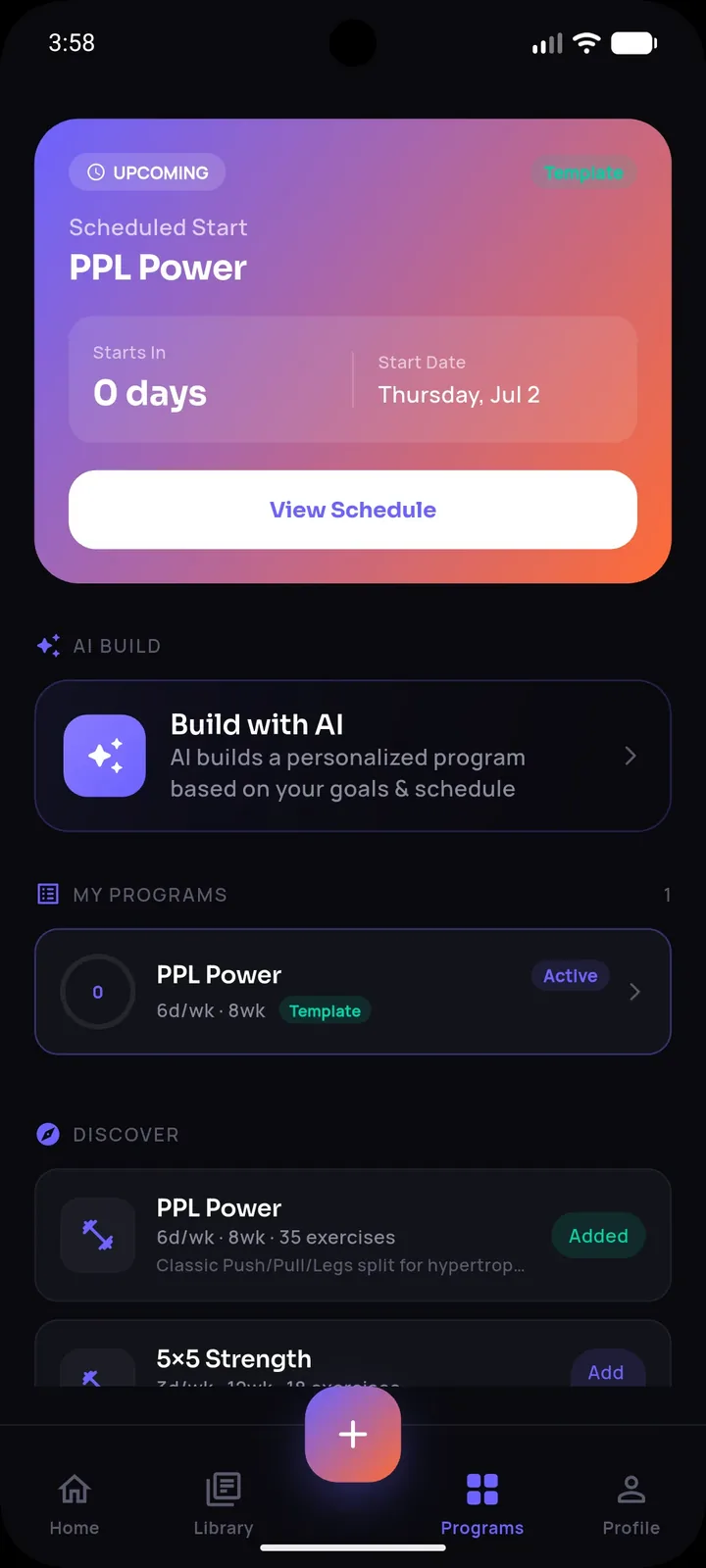
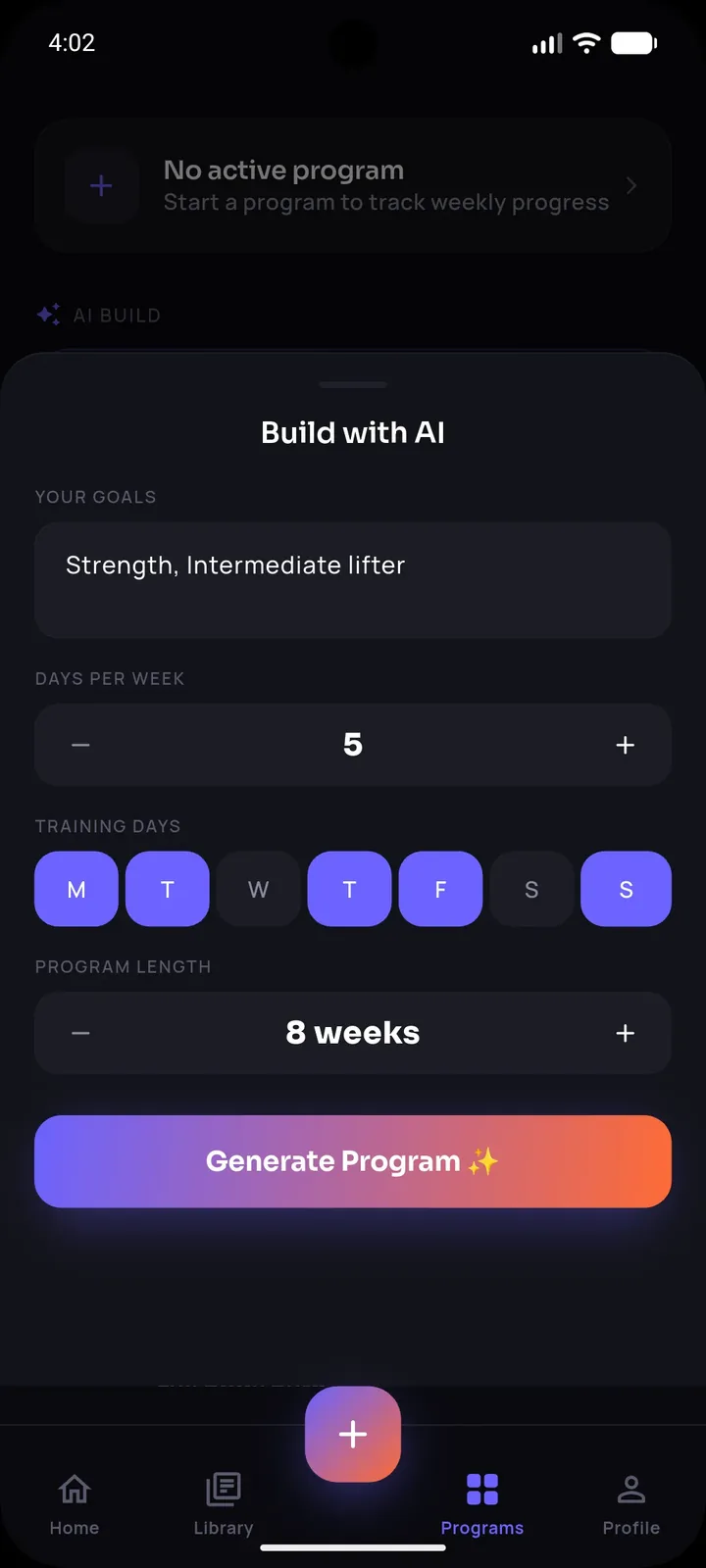
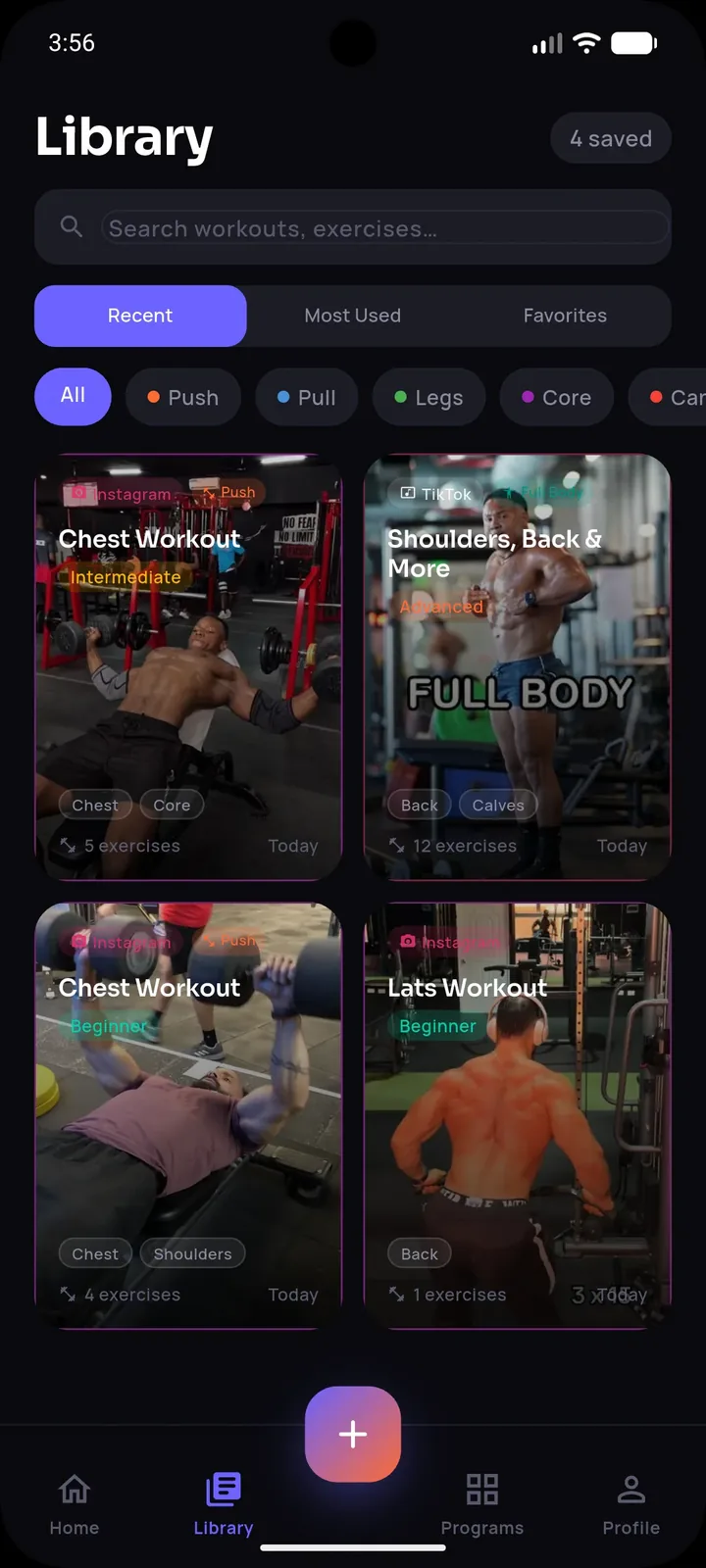
SetForge's AI import is built for video — sharing an Instagram or TikTok clip directly into the app and having exercises, sets, reps, and rest extracted automatically. For static screenshots specifically, the extraction step is currently manual: you'll read off the exercises and numbers yourself and enter them into SetForge's manual workout builder, which is backed by a 500+ exercise library filterable by muscle group so the entry process is fast even without a scan feature. Where a screenshot happens to be a still frame or caption from a video that's still available, importing the original video directly is the faster path.
Why Converting Screenshots Is Still Worth the Effort
Screenshots often contain genuinely well-designed programs — many come from credible sources (coaches, established fitness accounts, structured blog posts) precisely because that kind of static, detailed information doesn't translate well to a 30-second video. The extra manual step of entering the data is worth it for content that's often more detailed and structured than what you'd get from a quick clip.
Preventing the Backlog From Reforming
The dedicated album from step 1 only stays useful if you keep using it — the moment new fitness screenshots start going back into your general camera roll, you're back to the original problem. Building the habit of immediately saving to the dedicated album (and converting weekly) is what keeps this system working long-term rather than becoming a one-time cleanup that slowly reverts.
Frequently Asked Questions
Can SetForge automatically read a workout screenshot?
SetForge's AI extraction is built for shared videos; for static screenshots, you'll enter the exercises and numbers manually using the app's exercise library, which is still much faster than starting from a blank workout.
Should I keep the original screenshots after converting them?
Once converted into a structured workout, you can safely delete or archive the screenshot — the structured version in your workout history is what you'll actually use going forward.
What's the fastest way to deal with an existing backlog of hundreds of screenshots?
Do a one-time sweep to isolate them into a dedicated album, then process only your top favorites first rather than trying to convert the entire backlog at once.
Are screenshot-based workouts usually higher quality than video-based ones?
Not necessarily higher quality, but often more detailed, since static content isn't constrained by the pacing requirements of short-form video.
How do I stop new screenshots from becoming a backlog again?
Save new fitness screenshots directly into a dedicated album and convert them into structured workouts within the same week, before they accumulate.
The Bottom Line
Screenshot chaos is a harder version of the same problem saved videos create — content with real value, buried in a place that isn't built for training organization. A dedicated album, a one-time sweep, and a habit of converting new screenshots quickly turns that chaos into a structured, usable part of your training library.